Home Assistant Automation Modes for Beginners
You built an automation but it sometimes behaves strangely? Or you’re wondering what the different modes like Single, Restart, Parallel, and Queue actually mean? In this article I’ll explain the differences, show you practical examples, and help you find the right mode for your automations.
What Are Automation Modes?
In Home Assistant, you can configure for each automation how it behaves when it is triggered multiple times. This is important so your automations work reliably and as intended.
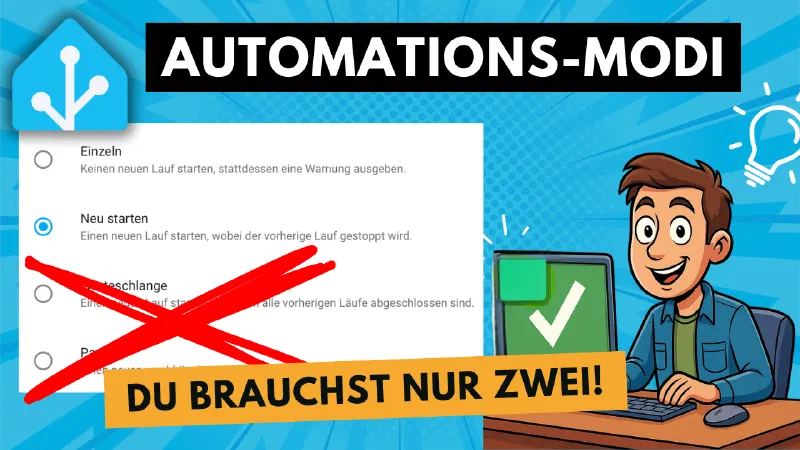
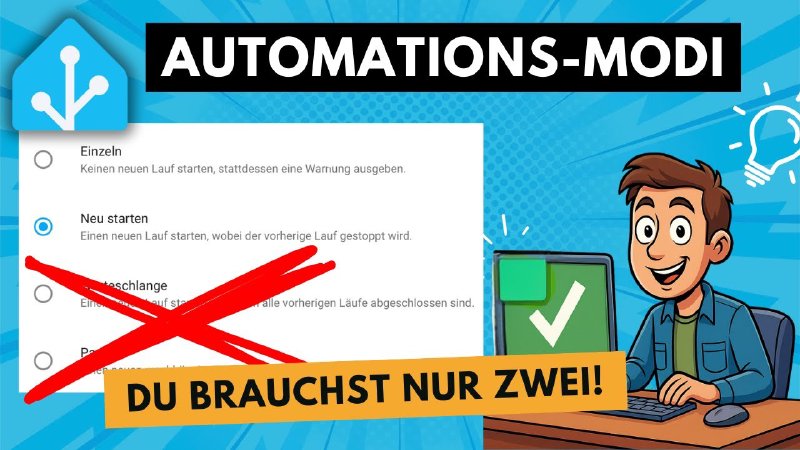
- Single: The automation runs only once. If it is triggered again while still running, nothing happens.
- Restart: If the automation is triggered again, the current run is cancelled and it starts over from the beginning.
- Parallel: The automation can run multiple times simultaneously.
- Queue: New triggers are placed in a queue and processed one after another.
Practical Examples
Take a look at the video for examples like motion-triggered lights, doorbells, or voice announcements. There is a right mode for every use case. You should use Parallel with caution though — find out why in the video.
Conclusion: With the right mode your automations become more reliable and you save yourself a lot of frustration. Watch the video to see all the details and examples!
Note: Links marked with affiliate link are affiliate links. As a partner of various retailers and manufacturers (e.g. Amazon, OBI via the Awin network, Shelly) I earn from qualifying purchases. This means I receive a small commission if you purchase through these links — at no extra cost to you. The revenue helps me run this blog and YouTube channel and keep creating content. Thank you for your support!
― Joachim